The debate over Airbnb versus Booking.com is a familiar one for property managers. One platform built a brand on unique experiences and host personality; the other built a global travel empire on efficiency and volume. For a growing rental business, choosing between them feels like a critical decision that will define your brand, your guests, and your revenue.
But this framing is wrong. It’s a question amateurs ask.
Professional operators know the real question isn’t which platform to choose. It’s how to build a business that masters both. Listing on both Airbnb and Booking.com is the fastest path to increasing occupancy and revenue. It exposes your properties to the widest possible audience of travelers.
The challenge shifts from distribution to operations. Every new channel adds complexity: more calendars to sync, more inboxes to manage, and more pricing strategies to execute. As your portfolio grows, the manual work required to manage multiple channels scales with it, creating an operational drag that limits growth. This problem requires a smarter engine, not more staff.
TL;DR
- Airbnb and Booking.com both drive serious booking volume, but differ in the guests they attract, the fees they charge, and the protection they offer
- The professional strategy is multi-channel distribution. Use Airbnb for its brand-savvy audience and Booking.com for its massive reach and booking volume.
- Airbnb guests often seek unique, experience-driven stays with more host interaction. Booking.com guests expect hotel-like efficiency and instant booking.
- Airbnb’s split-fee and host-only models require a different pricing approach than Booking.com’s flat commission structure. You must price differently on each channel to protect your margins.
- Airbnb’s two-way review system and integrated AirCover offer more upfront guest vetting and protection. Booking.com requires a more active approach to security deposits and insurance.
- Managing calendars, messages, and pricing across channels creates significant manual work and risk of errors like double bookings.
- An agentic AI platform is the only way to manage multi-channel complexity without scaling your headcount. It automates the day-to-day work so you can focus on growth.
Airbnb vs Booking.com At a glance: key differences for property managers
This table breaks down the core distinctions that matter most to your operations and bottom line.
| Feature | Airbnb | Booking.com |
|---|---|---|
| Best For | Unique experiences, branded stays, longer bookings | High-volume occupancy, hotel-like properties, last-minute bookings |
| Guest Profile | Leisure travelers, families, digital nomads | Business travelers, international tourists, deal-seekers |
| Host Fees | 3% split-fee or 14-16% host-only fee | ~15% commission on total booking value |
| Guest Vetting | Strong; two-way reviews allow hosts to screen guests | Limited; no host reviews of guests |
| Host Protection | AirCover integrated into the platform | Liability insurance and host-managed damage deposits |
| Cancellation Risk | Lower; more flexible, host-defined policies | Higher; guest-friendly policies are standard |
| Payout Speed | Fast; typically 24 hours after guest check-in | Slower; typically after guest check-out, can vary |
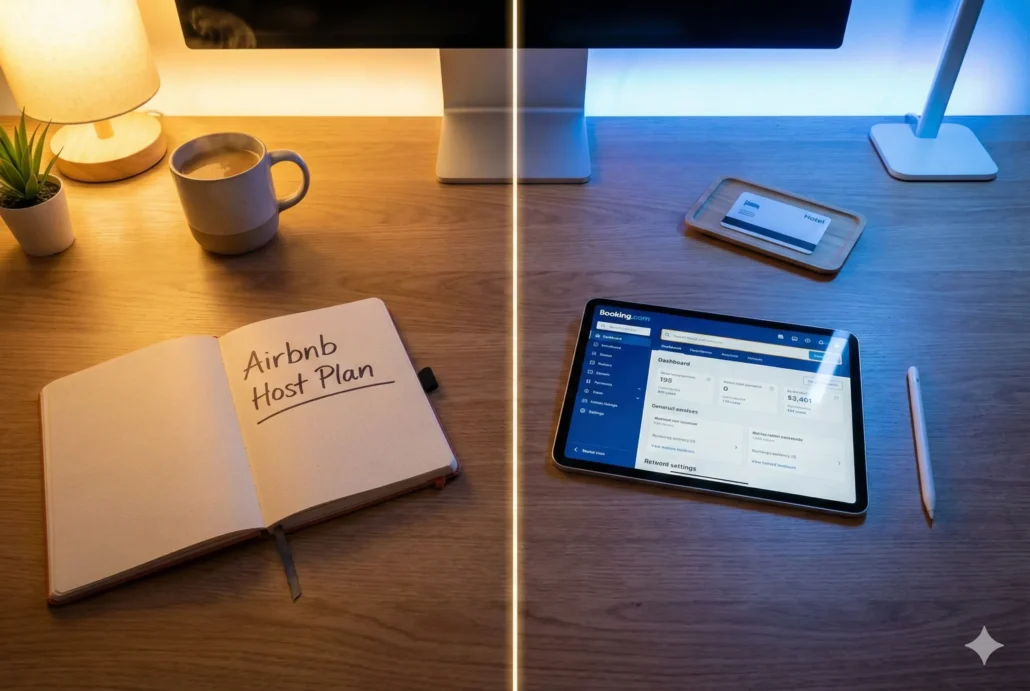
How Airbnb’s & Booking.com fees and commissions work?
Your profit margin is defined by your ability to understand and manage channel costs. Airbnb and Booking.com have fundamentally different models that require distinct pricing strategies.
How Airbnb host fees work (split vs. host-only)
Airbnb offers two main fee structures.
- Split-Fee: This is the most common model. The host pays a small fee, typically around 3%, and the guest pays a service fee displayed at checkout, usually under 14.2%. It keeps your listed nightly rate looking lower.
- Host-Only Fee: With this model, you absorb the entire fee, typically 14-16%. The guest sees an all-inclusive price with no added service fee at checkout. This is mandatory for traditional hospitality listings like hotels and common for software-connected hosts.
How Booking.com’s commission model works
Booking.com operates on a straightforward commission model. You pay a percentage of the total booking value, which is typically around 15%. This commission is charged on the entire amount the guest pays, including any cleaning fees or other charges you add. It’s a simple, predictable cost of sale.
Pricing strategy: how to price your listings for each channel
You cannot set one price and sync it everywhere. To maintain consistent profit margins, you must create a tailored rate strategy for each channel. For Booking.com, you need to mark up your base rate to account for the ~15% commission. If your base rate is $200, you might list it for $235 on Booking.com to ensure you net the same amount.
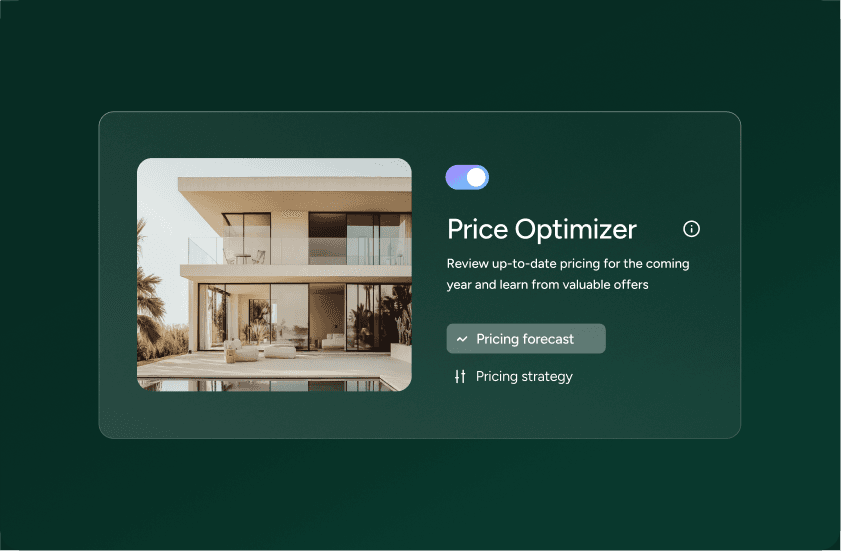
Pricing must also account for guest expectations. A guest booking a last-minute two-night stay on Booking.com has a different price sensitivity than a family planning a week-long vacation on Airbnb six months in advance. To do this effectively across a portfolio, you need tools that can apply channel-specific pricing rules automatically. A smart system lets you set a base rate and then apply markups, discounts, and promotions per channel, ensuring you’re always priced competitively without sacrificing your margin. This is a core function of Guesty’s® Revenue Management tools.
Boost your short term rentals today
Who books on Airbnb vs. Booking.com, and what do they expect?
The audience on each platform is looking for a different experience. Aligning your property and communication style with their expectations is critical for getting good reviews and repeat business.
Who uses Airbnb? The search for unique stays
The classic Airbnb guest wants a unique property, a local experience, and often, a connection with the host. They are more likely to read your full listing description, ask questions before booking, and stay for longer periods. They value personality. Think Topo Chico in the fridge and a handwritten welcome note.
Who uses Booking.com? The demand for hotel-like efficiency
Booking.com is a powerhouse for travelers who prioritize convenience, price, and instant confirmation. Many are business travelers or international tourists accustomed to hotel standards. They book closer to their travel dates, stay for shorter durations, and expect a seamless, low-touch check-in process. They value efficiency. They are also more likely to cancel, a known trade-off for the platform’s massive booking volume.
Managing guest expectations across channels
Your communication must adapt to the audience. For Airbnb, your automated messages can be warmer and more personal, referencing local recommendations. For Booking.com, messages should be direct, efficient, and focused on providing essential information like Wi-Fi codes and check-in instructions. Get this wrong, and your 5-star Airbnb experience feels cold and transactional, while your efficient Booking.com stay feels disorganized.
How do Airbnb and Booking.com protect Hosts from risk?
Protecting your assets and your business is non-negotiable. The platforms approach risk from two very different angles.
Host protection: Airbnb’s AirCover vs. Booking.com’s insurance
Airbnb provides AirCover for Hosts, which includes guest identity verification, reservation screening, $3 million in damage protection, and $1 million in liability insurance. It’s a productized, integrated part of the platform that offers a clear, albeit not limitless, layer of security.
Booking.com’s approach is less centralized. They offer liability insurance in partnership with a major provider, but damage protection is largely up to you. You are responsible for collecting, holding, and refunding security deposits, which can be an operational headache and create friction with guests.
Guest reviews and accountability: the power of two-way reviews
One of Airbnb’s most powerful features is its two-way review system. Not only do guests review you, but you review them. This creates a powerful incentive for guests to be respectful of your property. It also gives you a crucial tool for vetting potential guests before accepting a booking.
Booking.com has a one-way review system. Guests can review you, but you cannot review them. This means you have very little information about a guest’s history before they arrive at your property, increasing the importance of other screening measures.
Can you run Airbnb and Booking.com without doubling your workload?
Listing on both platforms is the right strategy, but it creates three major operational bottlenecks that can stall your growth.
The challenge of calendar sync and double bookings
A double booking is more than a logistical problem. It’s a financial loss, a reputation risk, and a direct path to losing your Superhost or Preferred Partner status. Many hosts start by using iCal to sync calendars, but this method is notoriously unreliable. iCal connections can lag by hours, leaving a dangerous window open for double bookings. The only reliable solution is a vacation rental channel manager that uses direct API connections to sync availability across all your channels in real time.
The myth of the single “unified” inbox
Managing guest communication means bouncing between the Airbnb app, the Booking.com extranet, and your email. Each platform has its own rules and a different guest context. This constant context-switching is inefficient and leads to mistakes. A true Unified Inbox brings every conversation from every channel into a single view, with all guest and reservation details right there, so your team can respond quickly and accurately without switching tabs.
The solution: an agentic platform to automate operations
A channel manager and unified inbox are essential tools. To truly scale, you need to move beyond simple tools and adopt a system of execution. Guesty uses a coordinated system of AI agents to execute the day-to-day work of a rental business.
Instead of you manually updating prices, a Revenue Agent does it for you based on your rules. Instead of you chasing down a payment, a Finance Agent handles it. These agents work across your entire business, handling operations, guest communication, finance, and marketing. This is how you break the equation where more properties equals more work. You scale your portfolio without scaling your payroll.
The verdict: why you need both (and how to manage it)
Don’t choose between Airbnb and Booking.com. Leverage the strengths of both. Use Airbnb to build your brand and attract high-value guests who appreciate a unique experience. Use Booking.com to fill occupancy gaps, capture last-minute bookings, and tap into a massive global audience.
Don’t let operational complexity limit your growth. As you expand from managing a few properties to dozens or hundreds, the need for a powerful, centralized platform becomes critical. For hosts managing 1-3 properties, Guesty® Lite™ provides the essential tools to sync calendars and automate messaging. As you grow, Guesty® Pro™ delivers the sophisticated revenue management and analytics needed to professionalize your operations. For large-scale hospitality brands, Guesty® Enterprise™ provides an infinitely customizable platform powered by agentic AI. The right engine inside your business makes multi-channel management not just possible, but profitable.